In the search for Chantal Charbonneau the 3rd owner of what used to be my dad’s 1951 Packard, my friend Shara pointed out this great article about her and her relationship with the car.
Montreal woman buys a ’51 Packard for her 51st birthday
Montreal woman has had a life-long love affair with Packards
by Alyn Edwards
Published Nov 10, 2014 • Last updated May 19, 2021 • 4 minute read
For the past 23 years, Chantal Charbonneau has been editor of the Musée d’art contemporain de Montréal, an institution that celebrates its 50th anniversary this year in the heart of Montreal’s Quartier des Spectacles. She has produced hundreds of publications and videos, some of which have earned the Musée distinguished awards.
With a master’s degree in art history from the University of Montreal, Chantal has always had a keen interest in items from the past including a fondness for “rolling sculptures of yesteryear.” She refers to these as beautés mobiles as she has a long-standing personal connection with antique vehicles.
She was barely three months old in 1962 when her father went out shopping for food and came home with an unexpected item: a massive black 1940 Packard Super Eight, to her mom’s astonishment. The man loved classic cars and would own more than a dozen Packard cars in subsequent years, several of which he restored himself.
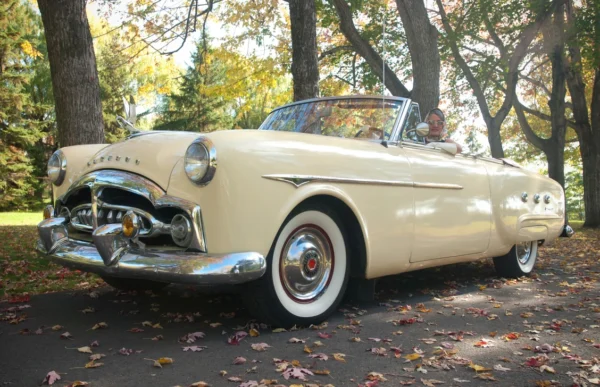
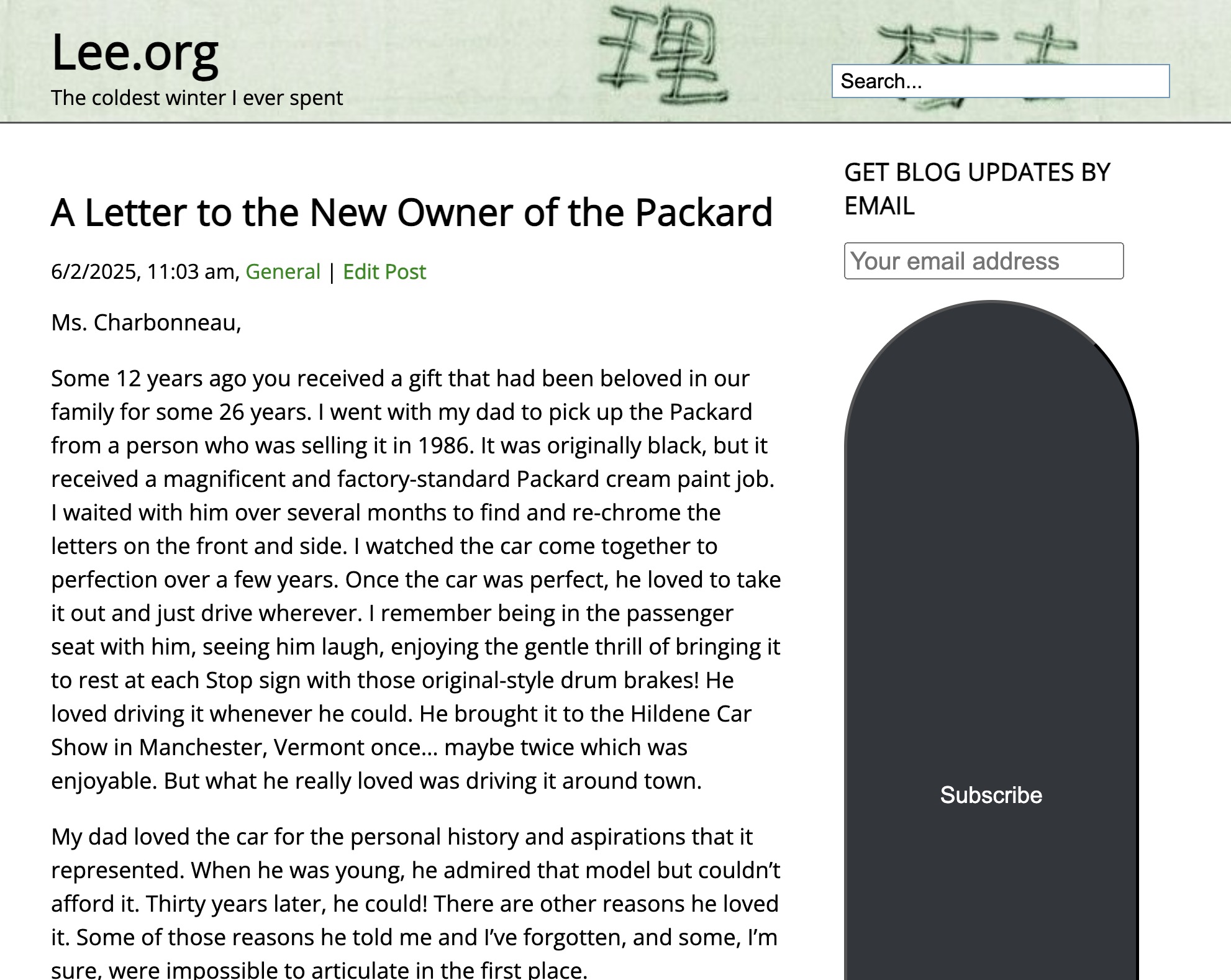
Chantal Charbonneau’s 1951 Packard 250 convertible acquired as a present to herself for her 51st birthday.
Chantal grew up taking Sunday drives in her dad’s old Packard classics. With her parents and siblings, she attended many car shows in Canada and the U.S. At age 17, she learned to drive on their 1951 Packard Patrician 400, an elegant sedan painted Argentine Gray. She vowed to have her own Packard someday.
Last year, she and companion Michel were attending the famous Pebble Beach Concours d’Elegance when an e-alert from Trovit popped up on her computer. The sight of a hot 1951 Packard 250 Convertible advertised for sale in New Jersey got her excited. It was painted period-correct Corona Cream, her favourite colour for that model.
“Where I live on the South Shore of Montreal is seven hours from where the vehicle was in New Jersey. But to make things more complicated, we were much farther away, in California at the time,” she recalls.
Article content
After learning from the seller on the phone that his Packard showing just 37,000 original miles on the odometer had been thoroughly restored in 1988 as a barn find near Buffalo, New York, Chantal and Michel rushed to the local post office in Carmel to mail a deposit, hoping to lock in the deal.
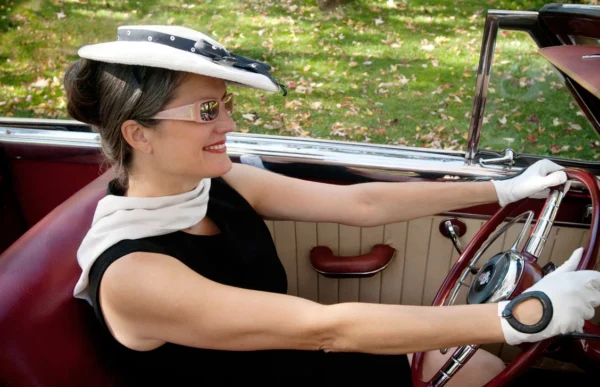
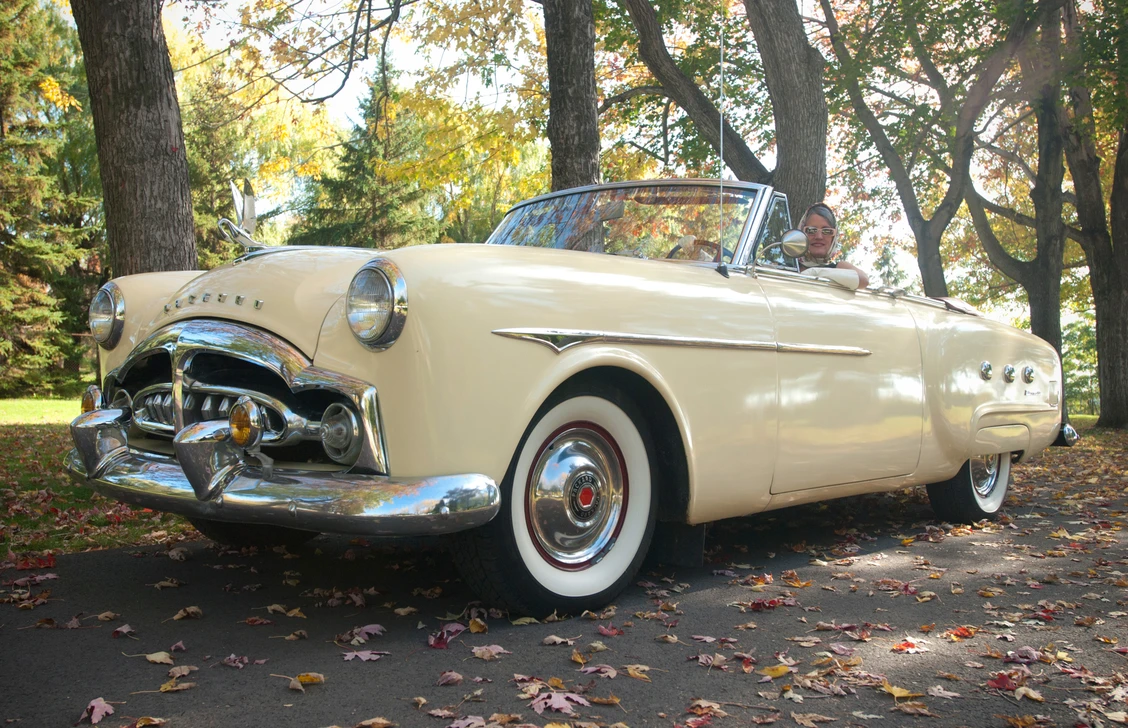
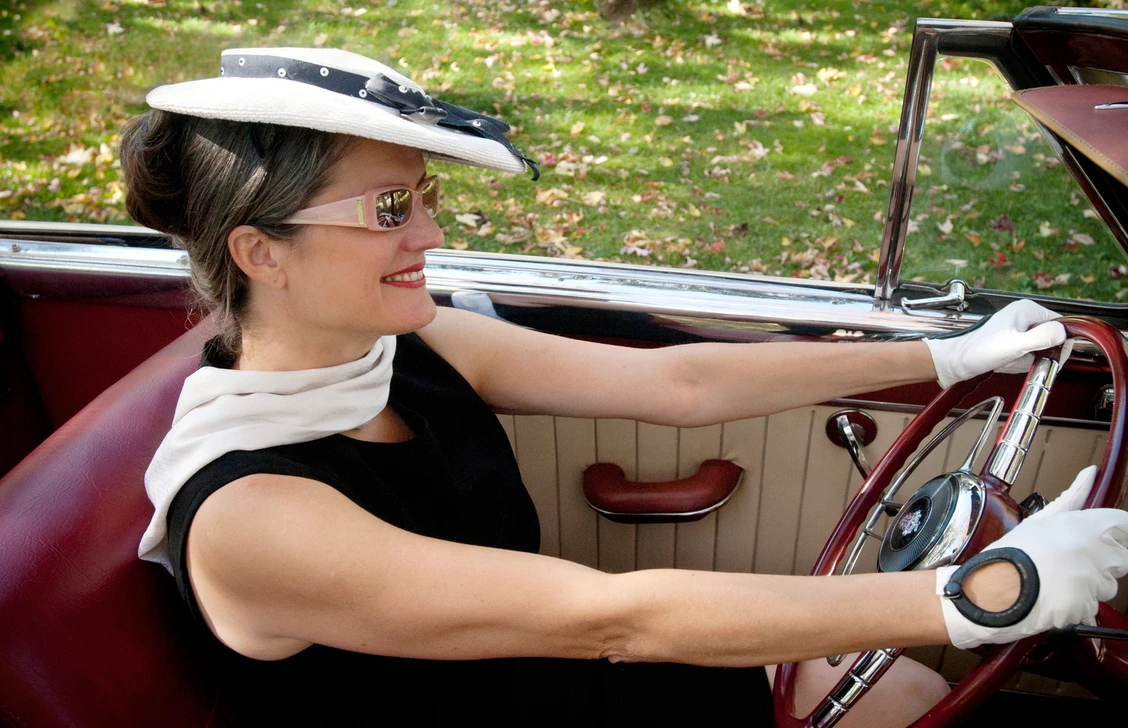
Chantal Charbonneau drives her 1951 Packard 250 convertible.
Although the Packard Motor Car Company grew to produce one of the most luxurious marques in the U.S., the company’s fortunes declined following World War II. By 1950, Packard sales had become moribund because of a stale 1940s design. But a complete redrawing for the sleek new 1951 models, known as Series 24, made them more stylish and contemporary, resulting in a phenomenal, albeit temporary, sales rebound.
Production of only 42,000 cars in 1950 was trumped by more than 100,000 units flooding out of Packard dealerships in 1951. Once a vehicle for celebrities and the wealthy during the ’20s and ’30s, the marque was made famous by its advertising slogan: Ask the man who owns one.
Chantal’s Packard 250 convertible is one of fewer than 2,400 such rag tops built in 1951, representing just 4% of the company’s production that year. It is equipped with a 155-horsepower flathead straight-eight engine, Ultramatic transmission and power everything: steering, brakes, aerial, seat, windows and top. The ivory and deep red interior is sporty and inviting.
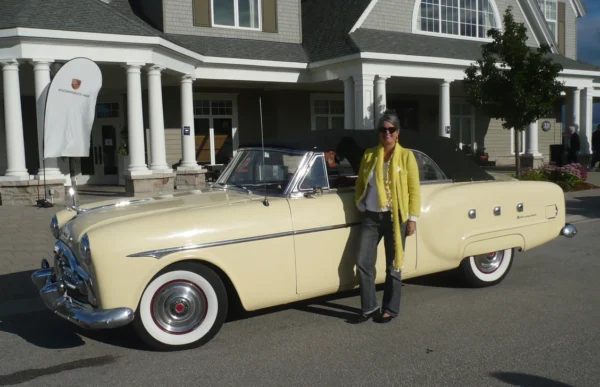
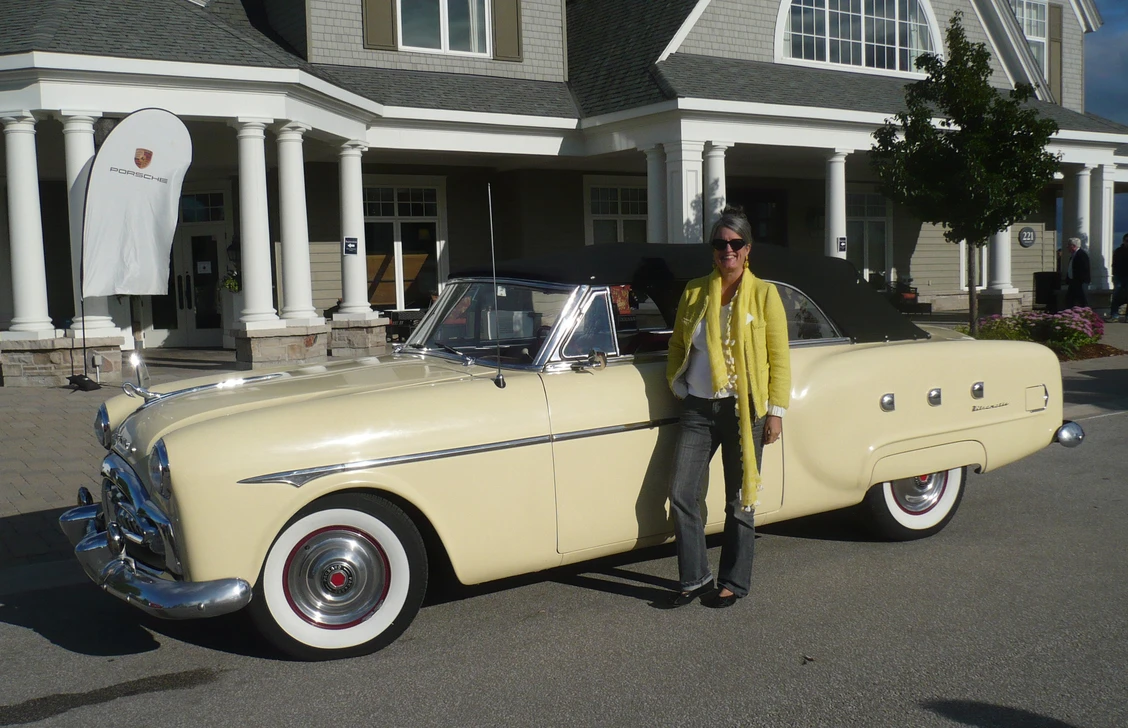
Chantal Charbonneau with the 1951 Packard 250 convertible purchased to celebrate her 51st birthday.
Packard experts and friends John and BarbaraAnna Kefalonitis, who live in New Jersey, generously offered to trailer Chantal’s “new” car to Plattsburgh, N.Y., just south of the Quebec border, following its purchase in August 2013. Ironically, this was soon after Chantal’s 51st birthday and exactly 51 years after her father had bought his first Packard.
As the third owner of this rare model, Chantal got behind the wheel, drove it through Canada Customs at night and then home to the Montreal suburb of Saint-Lambert. “I felt as comfortable doing this as I would sitting on a plush sofa in my living room,” she says.
Typically, when she arrives home from work on a Friday night when weather permits, she takes the Packard out for a spin to the local shopping centre. She loves driving her car as opposed to letting it sit idle like a big fancy trinket.
Her passion has led to a lot of reading, research and publishing on the subject, as well as becoming one of only a handful of female judges at several Concours d’Elegance shows of prized classics in Canada and the U.S.
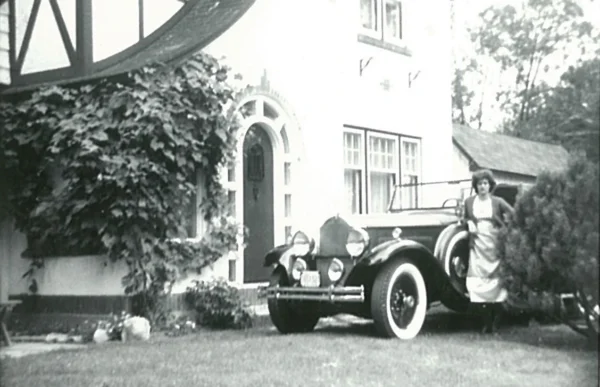
Chantal Charbonneau with their 1930 Packard Phaeton Touring in 1980.
Some time ago, she stumbled upon her family’s 1951 Packard Patrician 400 that she had learned to drive on 35 years ago. It is stored in a barn north of Montreal. Although it is in poor condition, she hopes to bring it back to life someday.
On her bucket list of must-do events for next year is the Euro Packard Meeting in Studen, Switzerland, where she has been invited by the Chairman of the organizing committee.
Her role model is car collector friend, business woman and philanthropist Margaret Dunning of Plymouth, Michigan. At 104 years of age, the “Belle of the Concours”, as she is known, still drives her 1930 Packard Straight Eight 740 convertible. The two recently spent time together at the 2014 Cobble Beach Concours d’Elegance near Owen Sound, Ont., trading notes about their Packard cars.
There is no doubt that Miss Charbonneau plans to dedicate the rest of her driving days singing the praises of her iconic Packard: “A trip in a ’50s car such as this provides a voyage in time with every ride, not to mention a special link with my own family history,” she says. “You get a lot of interesting comments, but people always seem stunned to see a woman at the wheel of a vintage automobile, which amuses me no end.”
If this sounds like a lot of fun, ask the woman who owns one!
Alyn Edwards is a classic car enthusiast and partner in Peak Communicators, a Vancouver-based public relations company. aedwards@peakco.com