Replacing the Battery on an Ensoniq KT-88 Electronic Keyboard
I replaced the battery on my Ensoniq KT-88 electronic keyboard piano today. It wasn’t hard. Took about 45 minutes of unscrewing, fiddling with connectors, and soldering. (actually, the keyboard is on long-term loan from a good friend :-) )
I bought the battery from Syntaur. Maybe I could have found it for a few dollars cheaper but it wasn’t expensive and I wanted to make sure it was a good battery and had the right tabs on it! These guys rock.
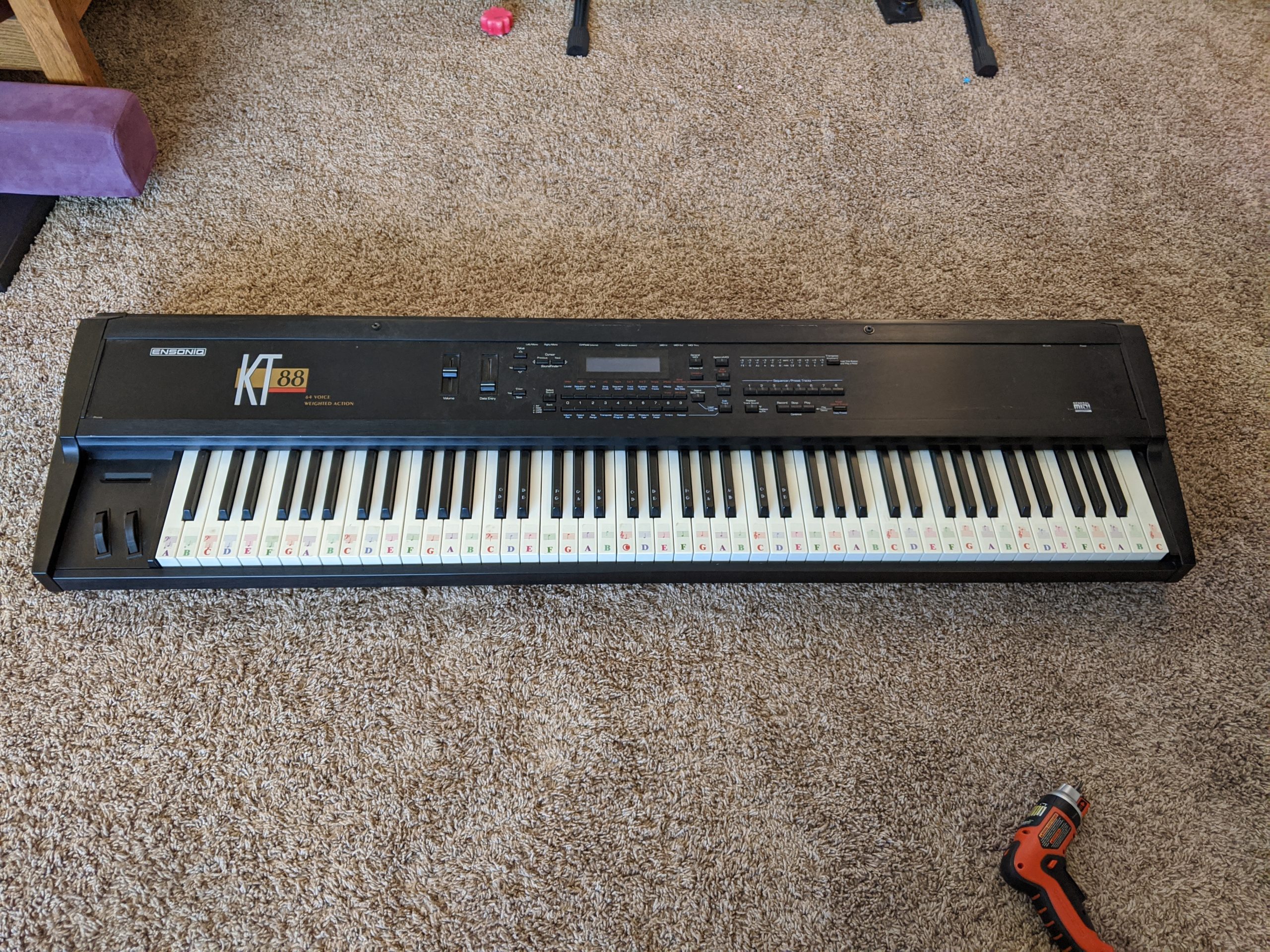
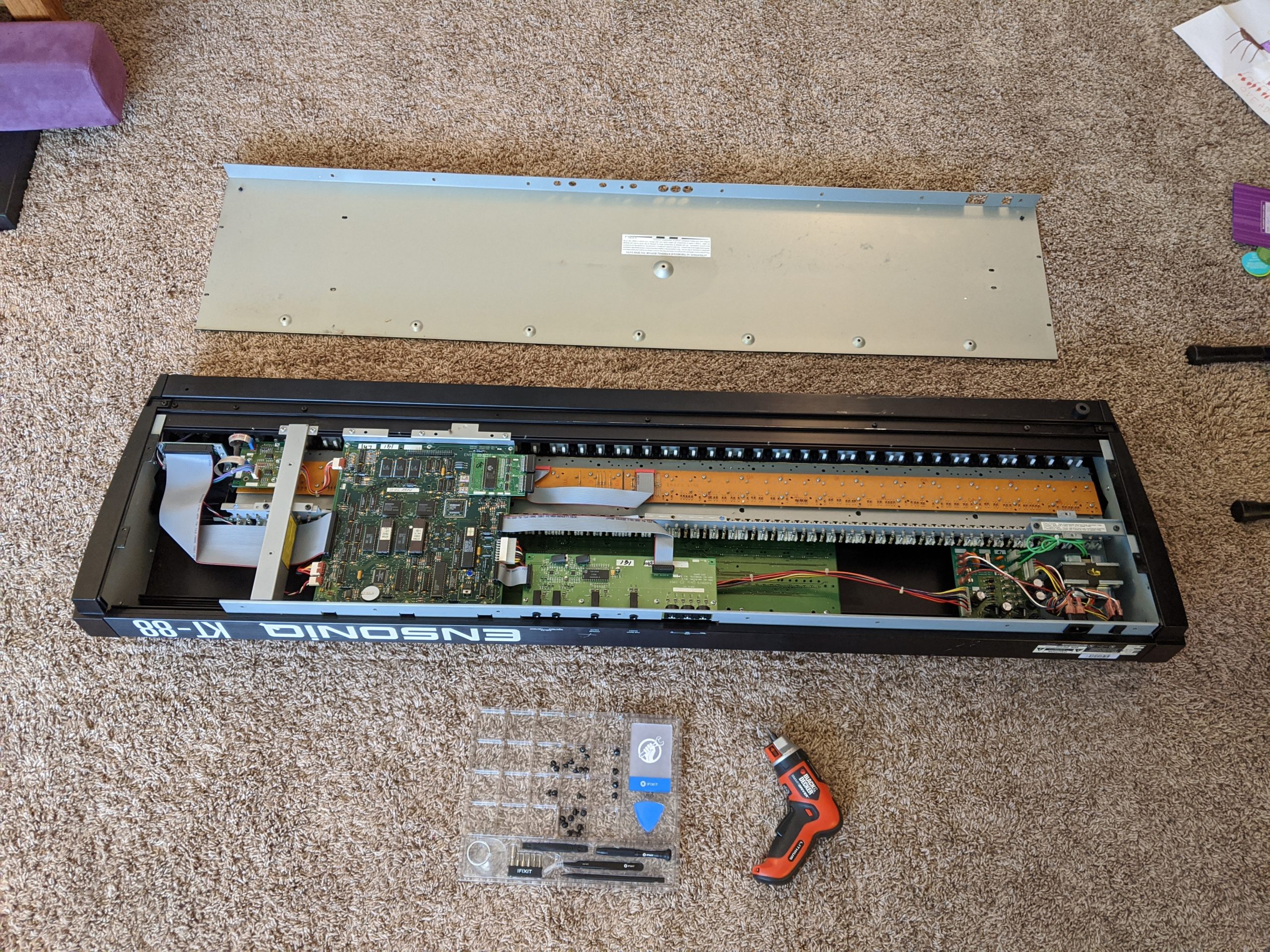
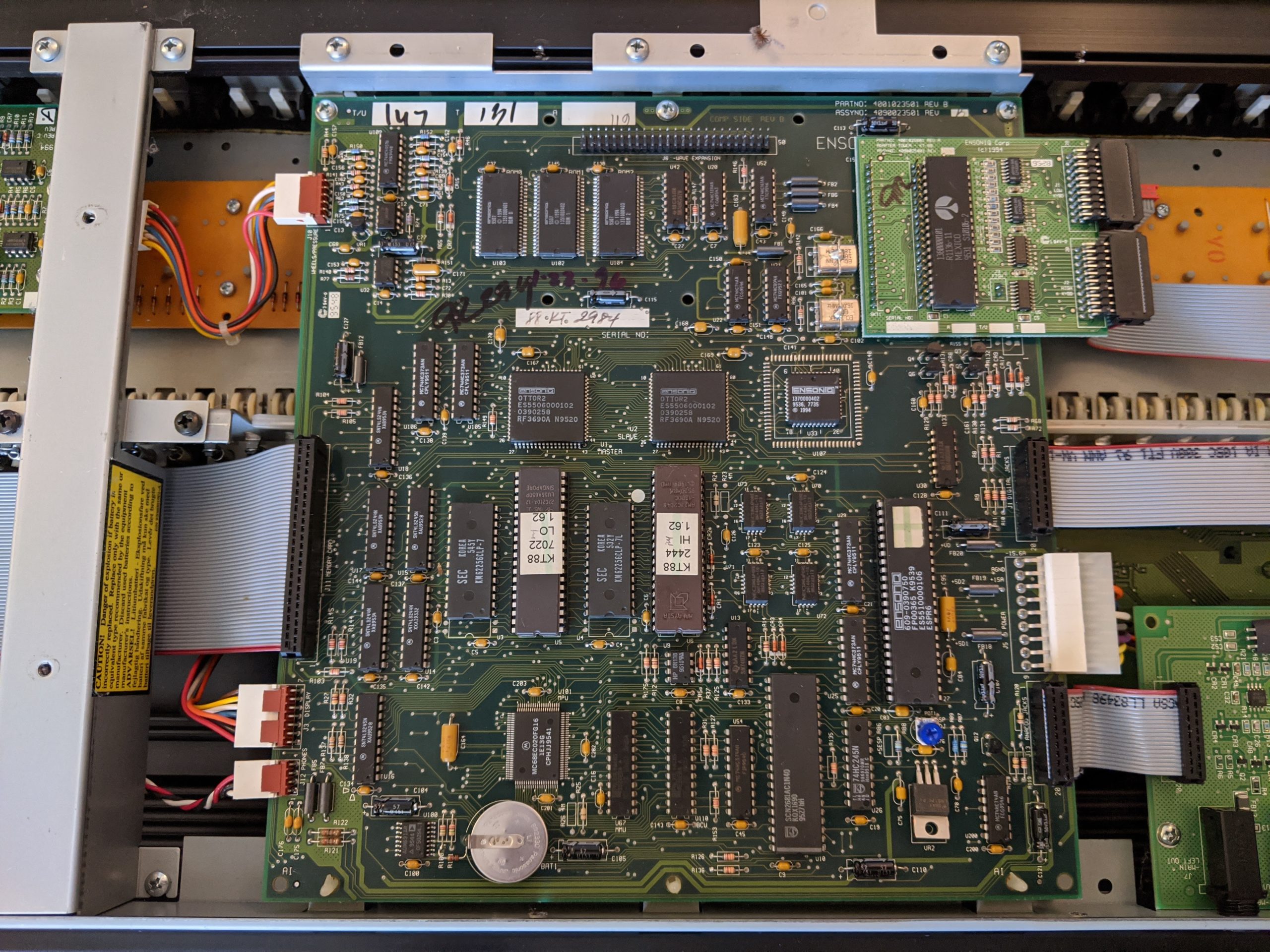
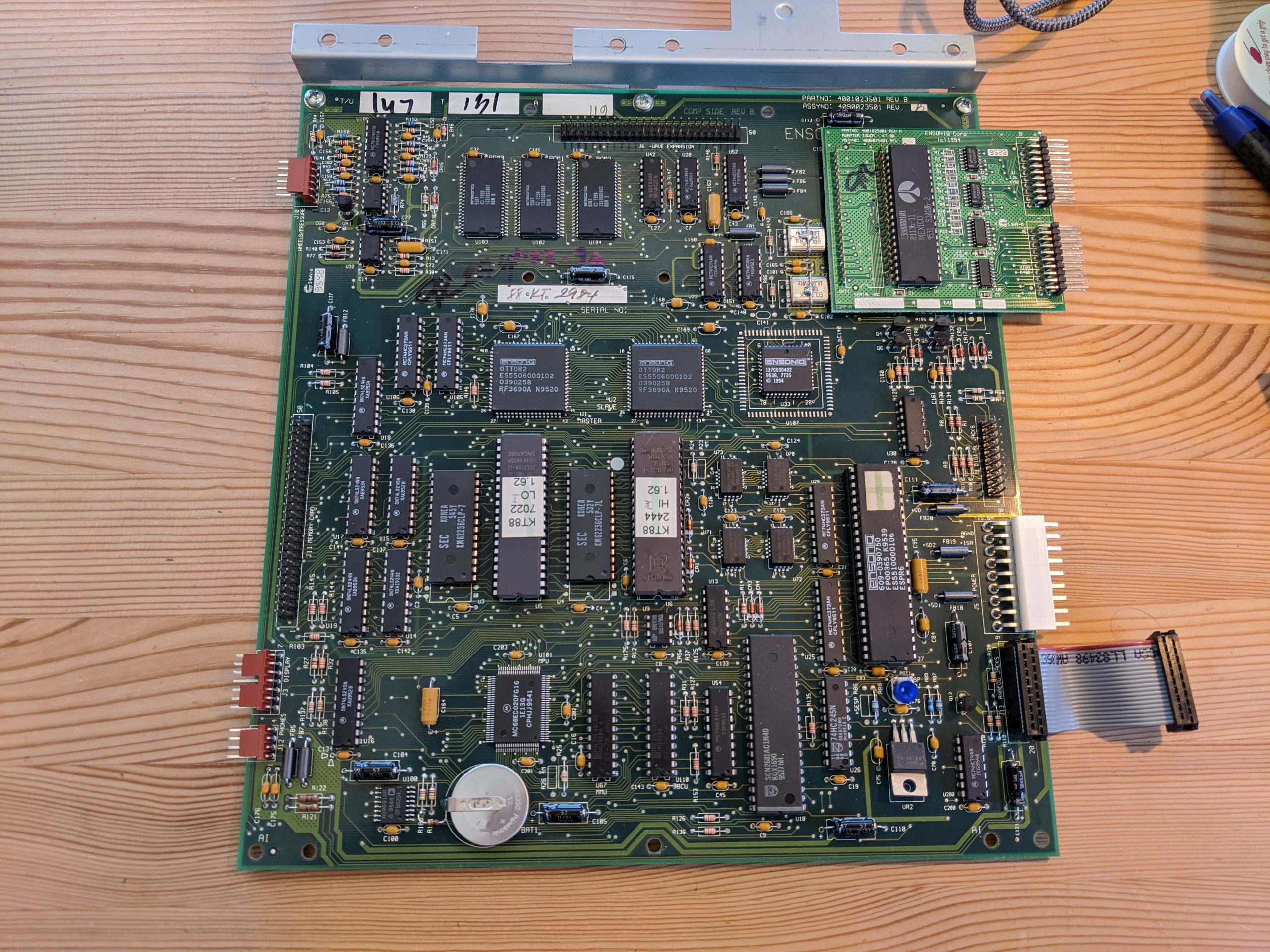
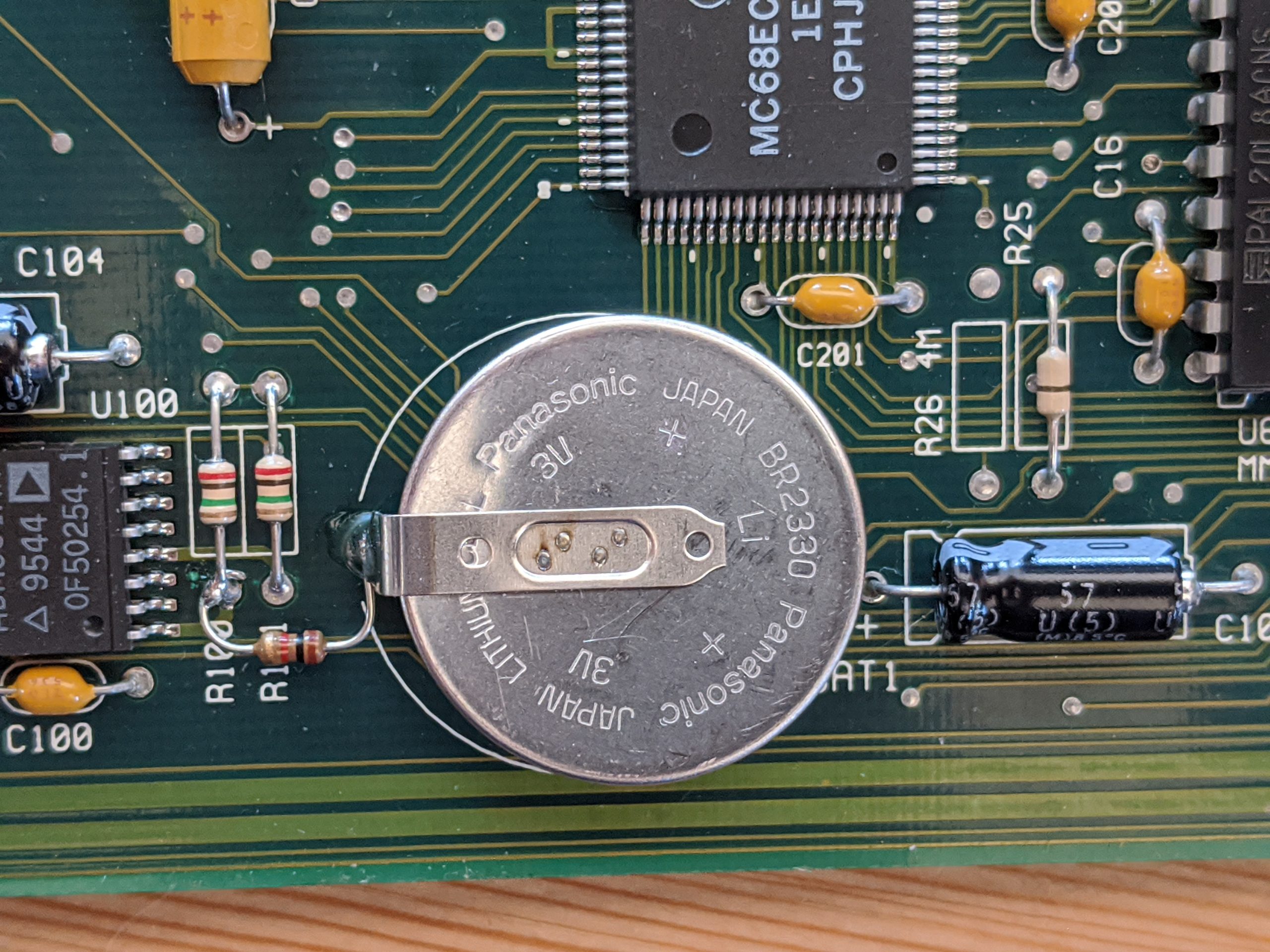
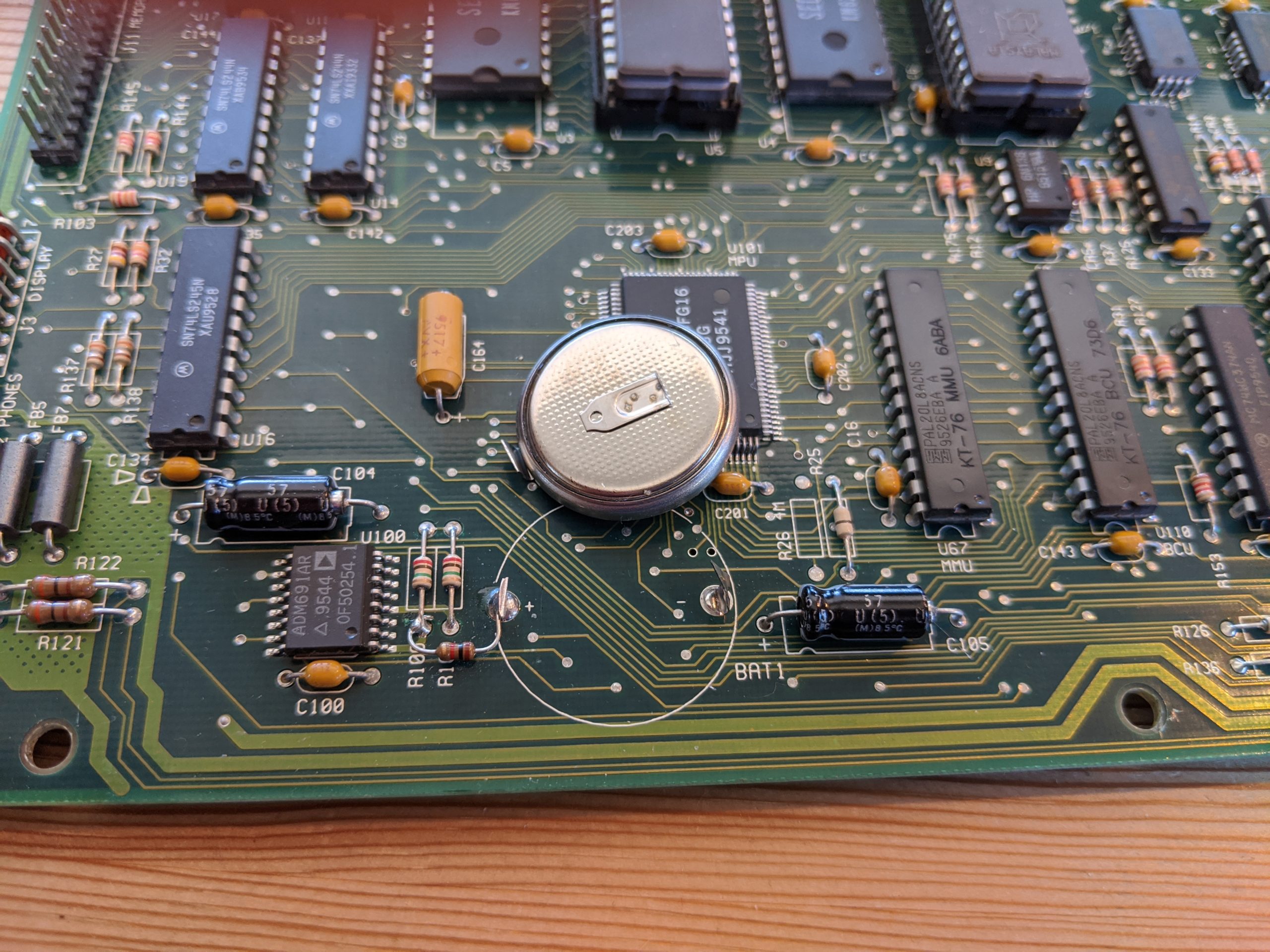
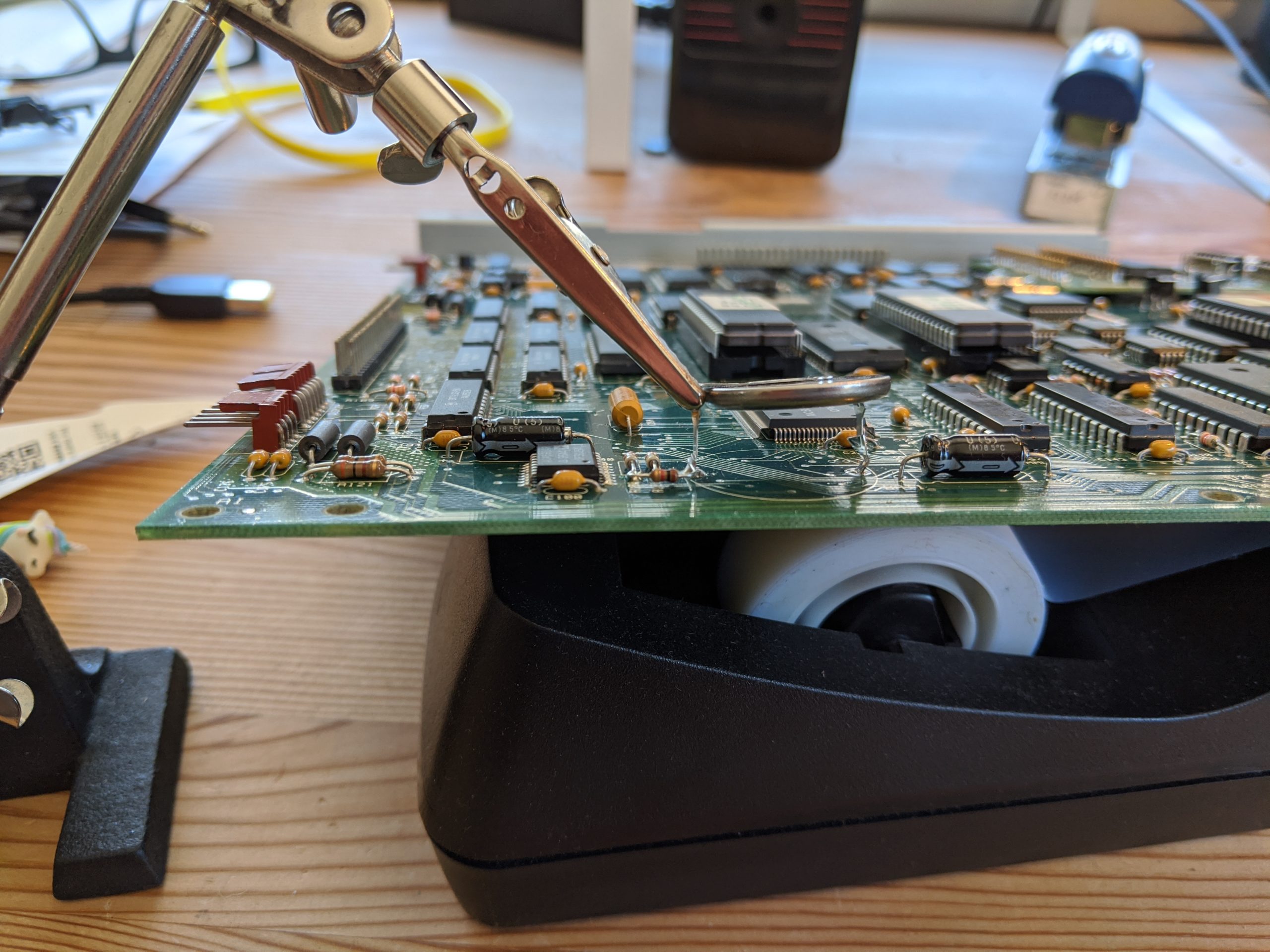
(note: if your battery is low but not dead, consider soldering the new battery in before removing the old one, you’ll get to keep your settings! (thanks to Gladstonehenry in the comments for that one!)
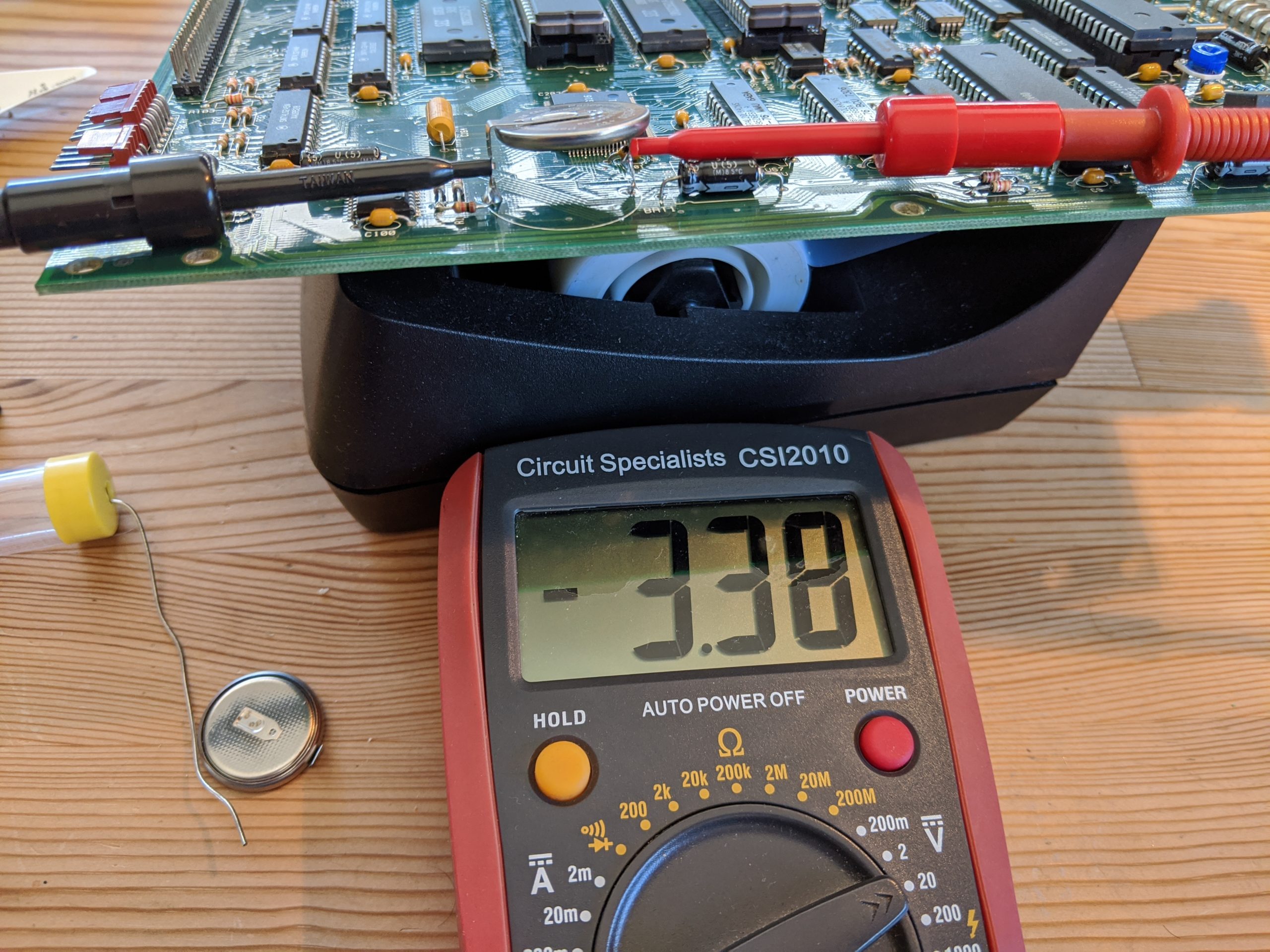
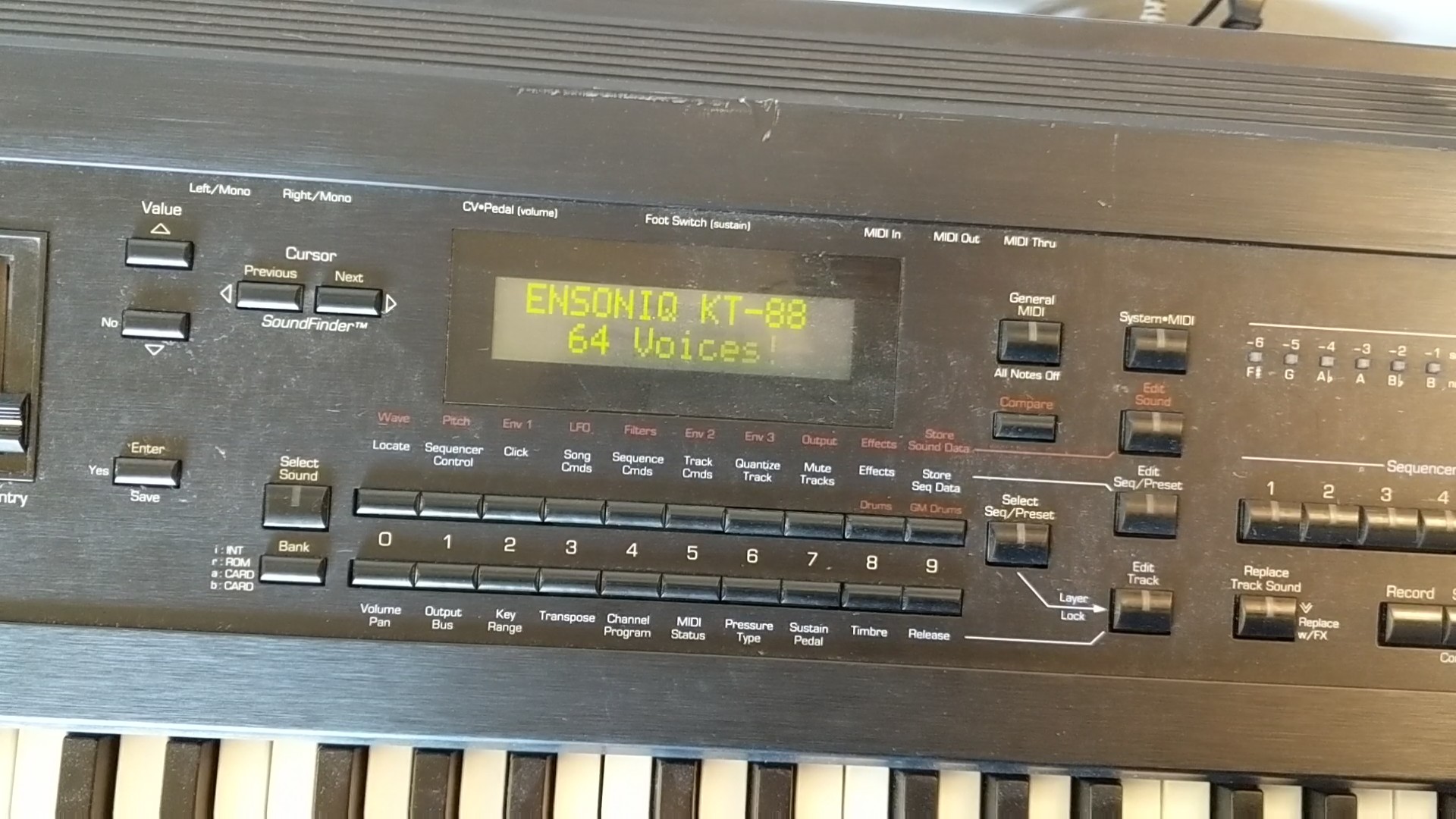
After I was done replacing the battery, none of the controls worked! Argh! I did a factory reset thanks to the internet (local archive), to reset the Ensoniq KT-88 “PRESS EDIT/SEQUENCES (PRESETS). PRESS AND HOLD THE UPPER 9 BUTTON AND THEN PRESS THE LOWER 9.RELEASE BOTH AND PRESS YES AT THE PROMPT.”. That didn’t actually fix it. But I now find that if I turn it on and power cycle it once quickly (off for about 1/2 second) controls respond perfectly until I turn it off for a length of time. It’s finicky but it works! Hurray!